
By Bob Wudeck
The latest wireless presentation tools let classrooms with VGA cabling take full advantage of HDMI devices, enabling modern, collaborative learning without costly rewiring.
When HDMI arrived, it quickly became the standard for combining high-resolution digital video and audio into a single connection. Many schools now use Chromebooks and other HDMI-capable laptops, and classrooms are increasingly filled with HDMI-equipped devices like microscopes, document cameras, and STEM boards. These tools expand teaching possibilities—but they also expose a gap in classrooms that still rely on legacy VGA cabling.
VGA (video graphics array) remains common in many districts because projectors and displays still function well and replacement cycles for infrastructure often span seven to ten years or more. Replacing wall and ceiling cabling is expensive and disruptive, so schools frequently seek ways to use their existing VGA hardware while supporting new HDMI sources. A practical and cost-effective solution is a wireless presentation system (WPS), which enables HDMI-capable devices to send content to classroom displays without rewiring.
AFFORDABILITY
A wireless presentation system removes the need for physical HDMI runs to each presenter station. Instead of connecting a laptop or Chromebook with a cable, users transmit content to the projector or flat panel via an app or a compact button/puck plugged into their device. That simple change reduces setup time, keeps students at their seats, and lets teachers switch between presenters instantly with a tap.
WPS models vary in features and performance, so choosing the right system matters. Look for solutions that deliver a true HDMI-quality signal to the display, avoid network congestion, and support collaborative workflows. Button-based systems in particular offer a strong value: they bypass the classroom network, transmit directly to a receiver attached to the display, and typically require less management than Wi‑Fi-dependent alternatives.
NETWORK ACCESS & BANDWIDTH
Wireless presentation systems connect to displays either over the school’s Wi‑Fi network or via a direct wireless link using a button/puck and receiver. Wi‑Fi-based hubs route presentations through the local network, which can be convenient but also introduces trade-offs. These systems consume network bandwidth for each connected presenter and for the display itself—some models require 13–25 Mbps per user for smooth video, and may introduce noticeable latency. They also increase the attack surface for network security, so IT teams must manage and secure those devices carefully.
Button-based systems avoid those issues by transmitting the HDMI stream directly to a receiver attached to the projector or panel, bypassing the school network entirely. For security-conscious environments, choose models that use proven encryption—many reputable systems employ 128-bit encryption or stronger and undergo industry security testing to protect student data and prevent unauthorized access.
SIMPLICITY
Classroom minutes are valuable, so any presentation solution must be fast and intuitive. Wi‑Fi solutions often require users to join a network or launch an app, which can delay lessons and interrupt lesson flow if students need to enter credentials or troubleshoot connectivity. Button systems that require only plugging in the puck—and no additional software—save time and reduce frustration. They are generally easier for teachers and students to adopt and maintain.
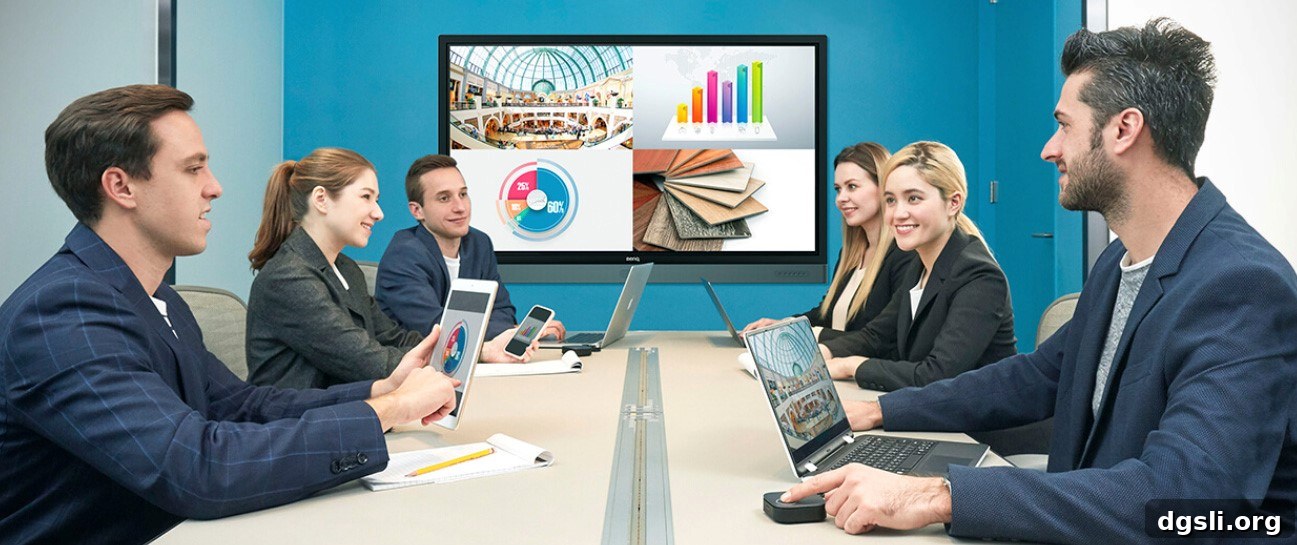
Beyond speed, wireless presentation systems enhance collaboration. Instead of a single student sharing from one connection point, modern WPS solutions can support dozens of participants and allow multiple people to share simultaneously—some systems enable up to 32 devices to connect and as many as four screens to display at once. That capability supports group work, peer presentations, and more dynamic lesson formats without the expense and complexity of installing new HDMI cabling or large video switching infrastructure.
A carefully chosen wireless presentation system lets schools with VGA-based infrastructure adopt the wide range of HDMI devices appearing in classrooms today. It preserves existing projectors and panels while unlocking new instructional tools, improving classroom management, and supporting secure, collaborative learning. In short, it enables modern teaching with the simple press of a button.
About the author
Bob Wudeck is Senior Director of Business Development at BenQ, a global provider of visual display solutions. He can be reached at [email protected].
This article was originally published by The Learning Counsel, a research institute and media organization focused on the transition to digital curriculum and modern educational technology.